Freelancerzy, jednoosobowe dzialalnosci i male biura rachunkowe wystawiajace faktury w Polsce.
How it works
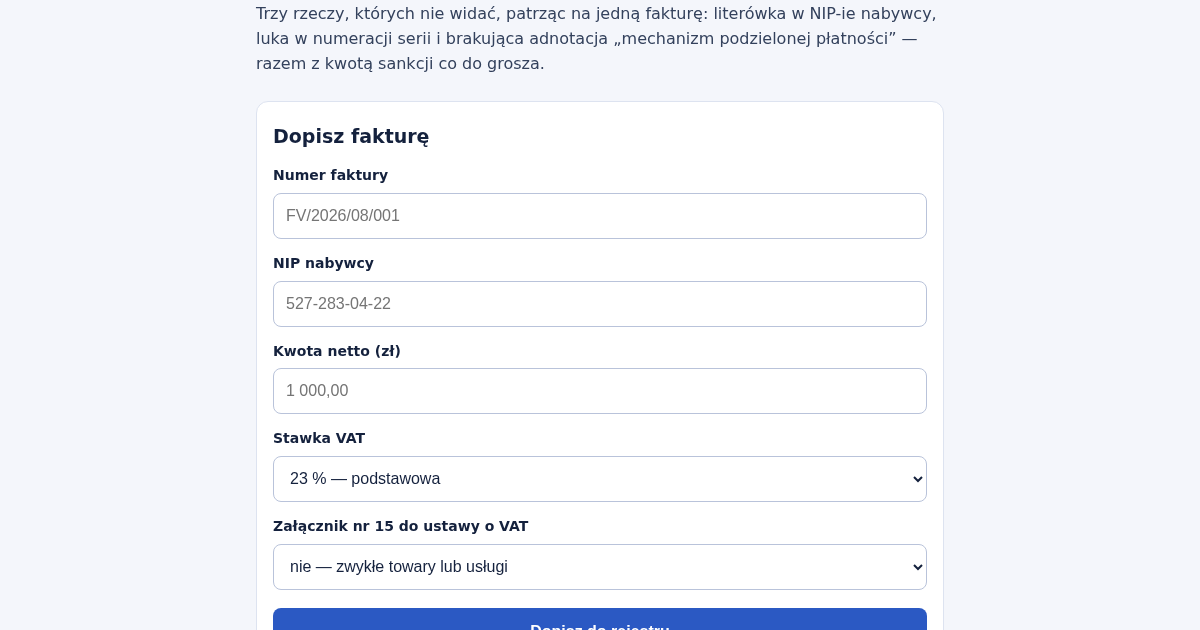
- Dopisz kazda wystawiona fakture: numer, NIP nabywcy, kwote netto, stawke VAT i to, czy obejmuje towary lub uslugi z zalacznika nr 15.
- Przeczytaj ostrzezenia: bledne cyfry kontrolne, luki w numeracji, ten sam numer zapisany dwa razy inaczej.
- Sprawdz, ktore faktury wymagaja adnotacji o mechanizmie podzielonej platnosci i ile wynioslaby sankcja.
- Porownaj podsumowanie wedlug stawek z tym, co idzie do deklaracji.
What you gain
- Wyłapuje literówkę w NIP-ie kontrahenta, lukę w numeracji faktur i brakującą adnotację split payment, zanim urząd skarbowy je znajdzie za ciebie.
Screenshot
Technical details
How to set up & use
- Buy the license — your key (lic_...) appears on the order page and in your email.
- Sign in at app.synoriaai.com with your license key.
- No installation — the product runs in your browser, on your own isolated instance.
- 1. Otwórz stronę główną rejestru.
- 2. Wpisz numer faktury (np. FV/2026/08/001), NIP nabywcy, kwotę netto i wybierz stawkę VAT.
- 3. Zaznacz, czy faktura dotyczy załącznika 15 (mechanizm podzielonej płatności).
- 4. Kliknij „Dodaj fakturę”, aby zapisać ją w rejestrze.
- 5. Powtórz dla kolejnych faktur – system automatycznie sprawdzi NIP, numerację i MPP.
Frequently asked questions
Czy rejestr przechowuje moje dane na serwerze?
Nie – wszystkie dane są przetwarzane lokalnie w Twojej przeglądarce i nie są wysyłane na żaden serwer.
Czy rejestr wykryje literówkę w NIP-ie?
Tak, sprawdza cyfrę kontrolną NIP i wskaże, która cyfra powinna być poprawna.
Czy rejestr sam uzupełnia brakujące numery faktur?
Nie, ale pokazuje, których numerów brakuje w serii, abyś mógł je ręcznie dodać.
Related products
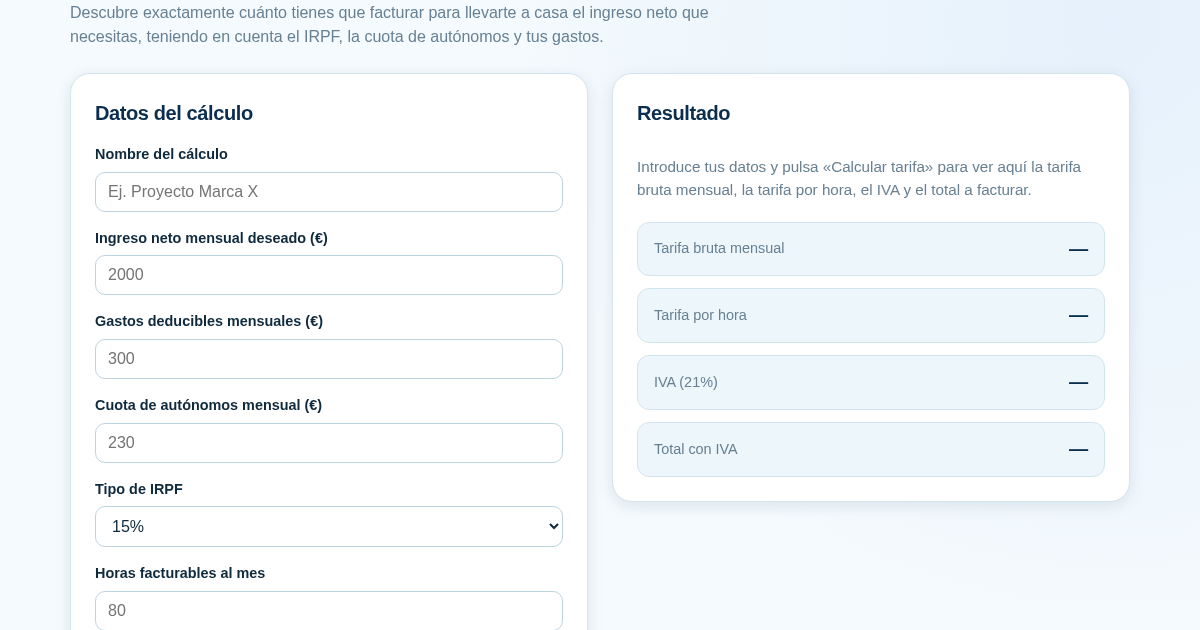
Calculadora de Tarifas para Autónomos
Muchos autónomos fijan sus tarifas sin saber cuánto necesitan facturar realmente para alcanzar el ingreso neto que quieren. Esta calculadora parte del neto mensual deseado y calcula la facturación bruta necesaria…
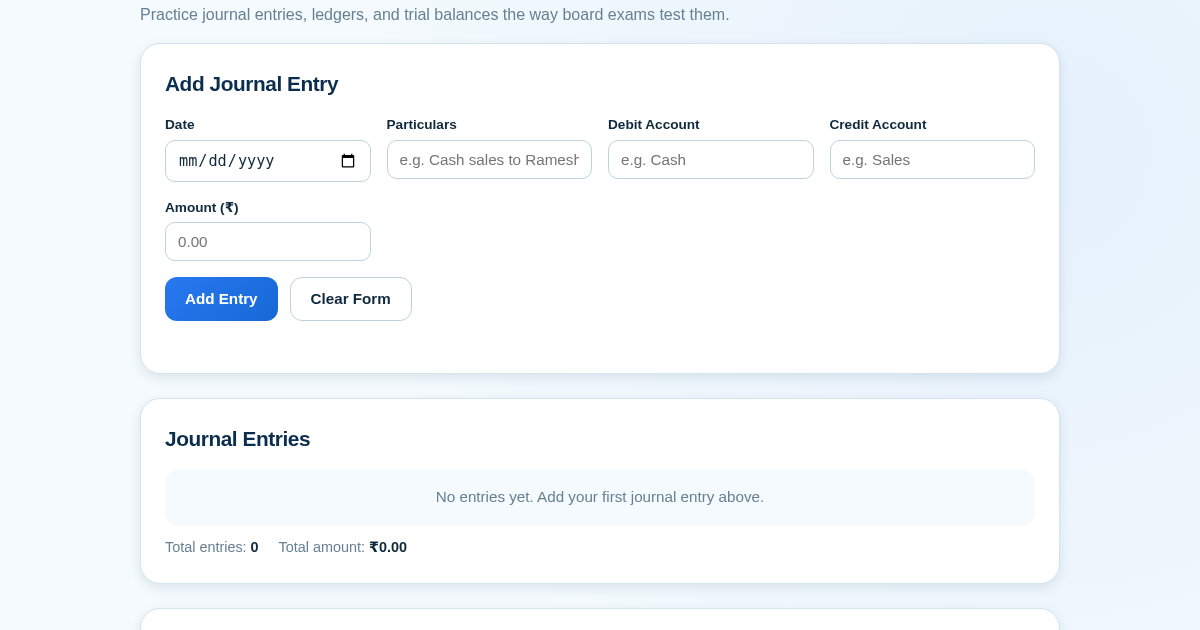
Ledger & Trial Balance Practice Tool
Commerce students in Class 10-12 need to practice journal entries and see how they flow into ledgers, trial balances, and balance sheets for board exams. This tool lets them enter transactions and instantly see the…
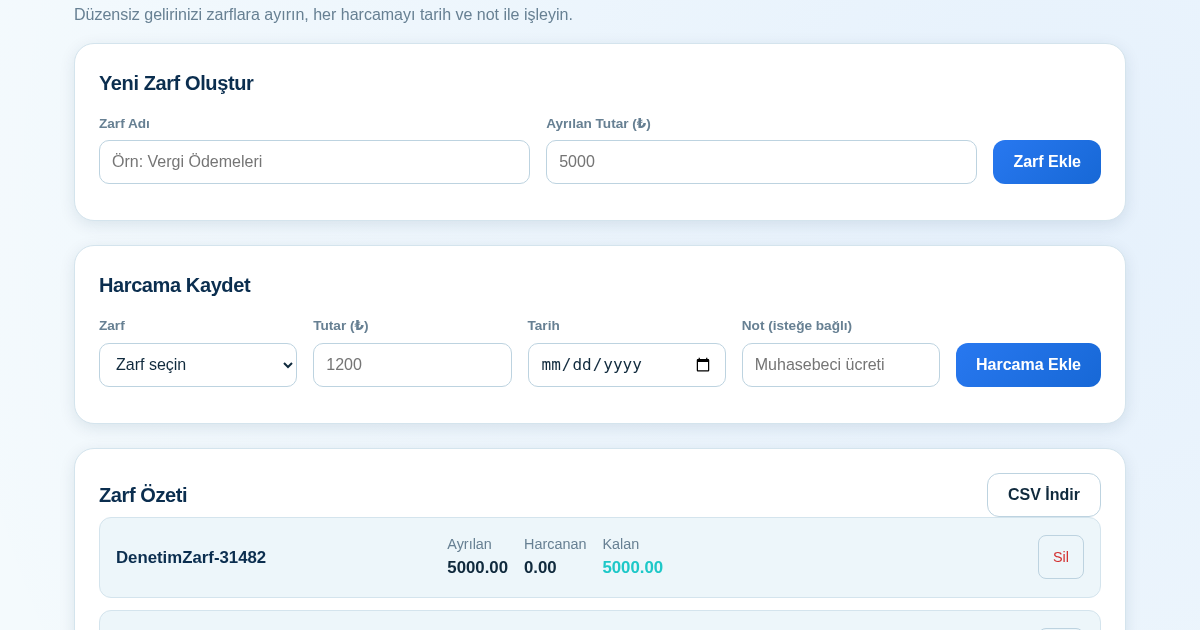
KASA - Serbest Çalışanlar İçin Zarf Bütçesi
Serbest çalışanlar düzensiz gelirlerini vergi, kira ve yaşam giderleri gibi zarflara bölerek bütçelerini düzenli tutabilir. Her harcamayı tarih ve not ile ilgili zarfa işleyerek ne kadar ayırdığını ve ne kadar…
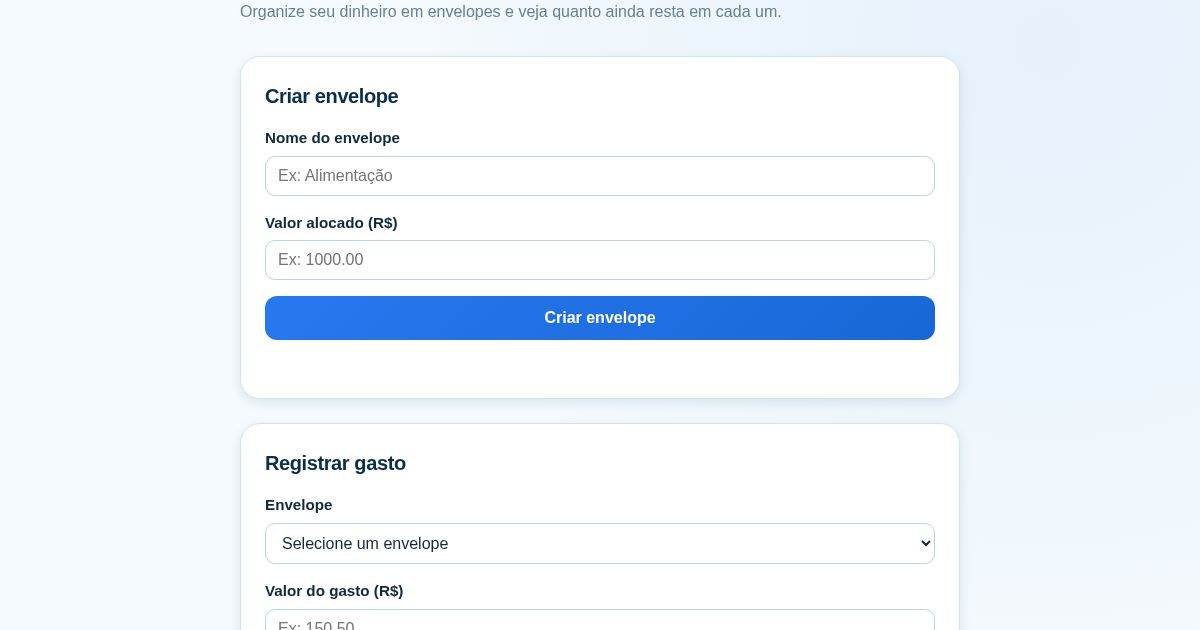
Calculadora de Orçamento por Envelopes (Pix)
Este aplicativo ajuda brasileiros a organizar seu dinheiro em envelopes de orçamento, como alimentação, transporte e lazer, sem precisar conectar uma conta bancária. Ele resolve o problema de controlar gastos do dia a…